FileBatchStudio
A downloadable tool for Windows
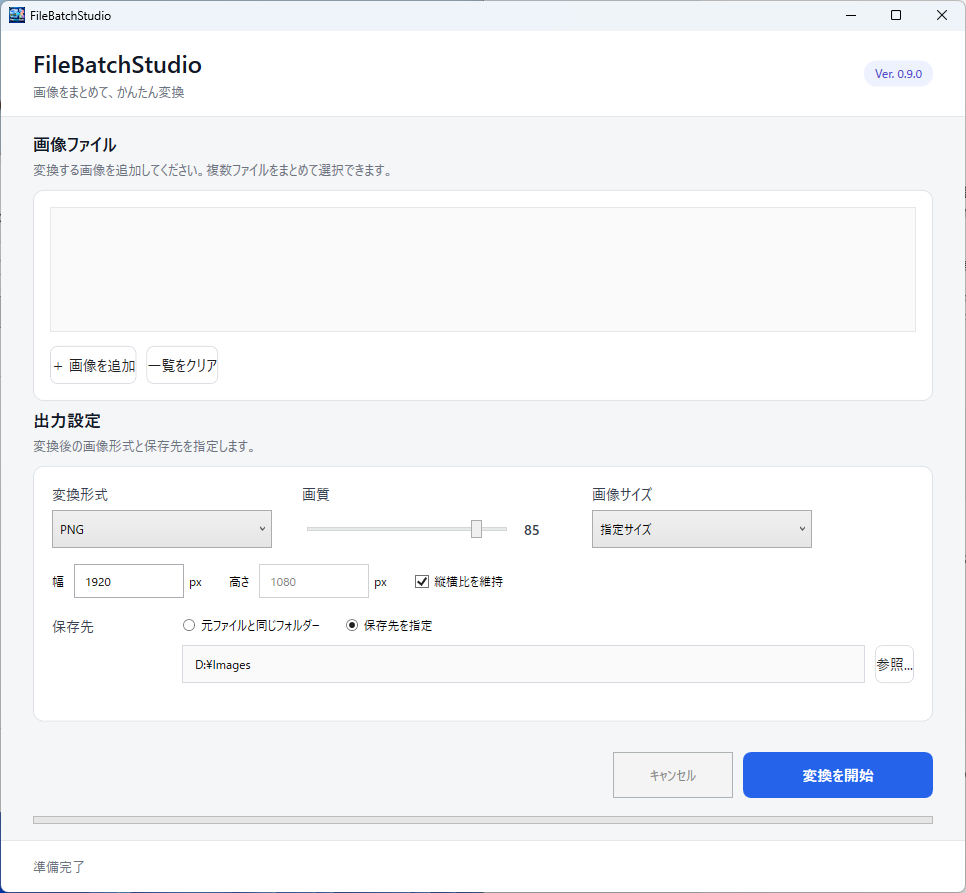
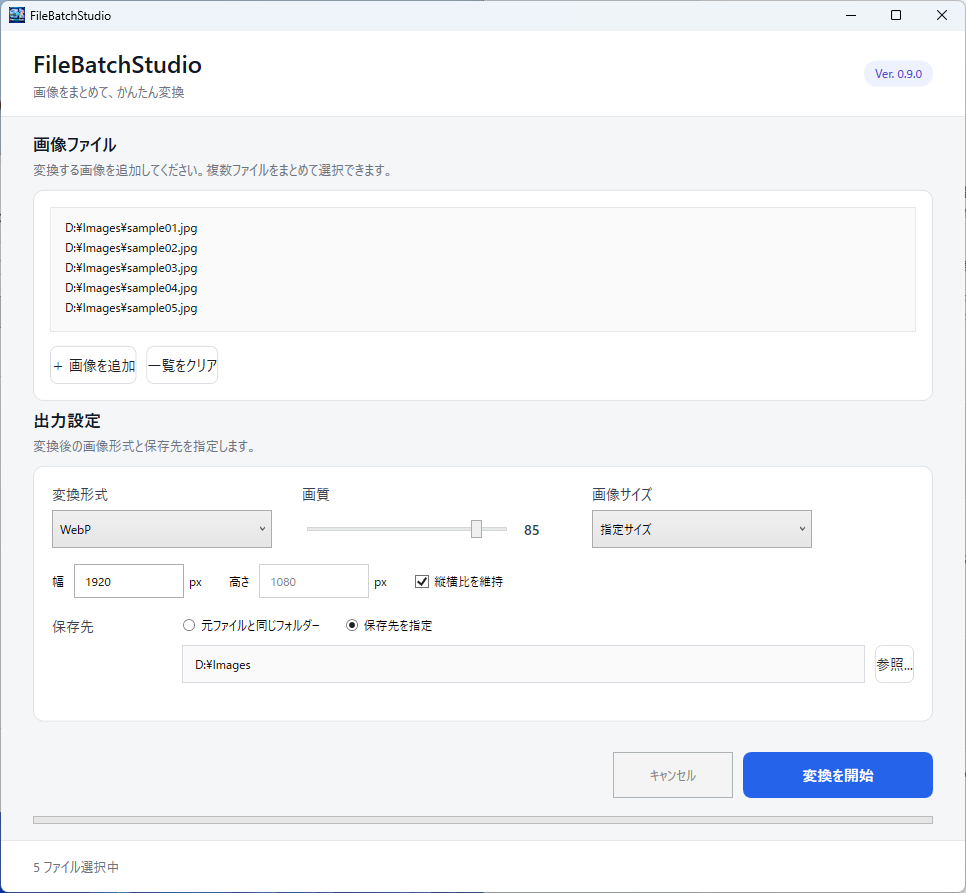
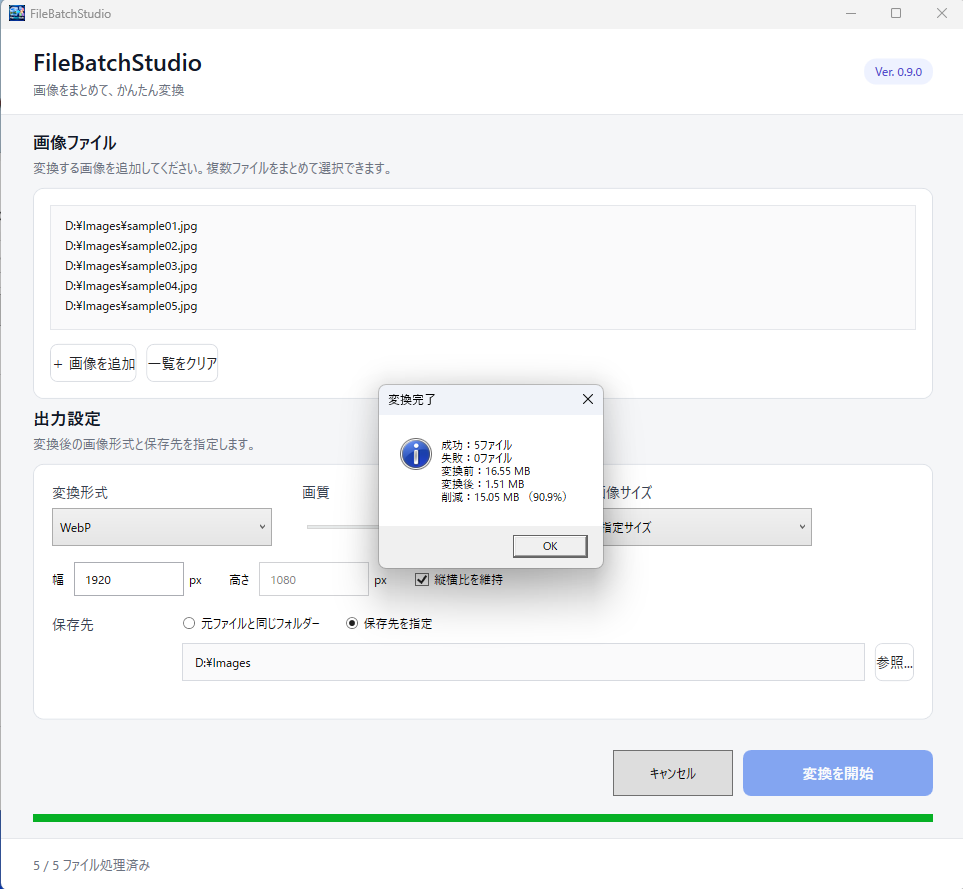
FileBatchStudio is a simple batch image conversion tool for Windows.
Convert multiple images at once without having to process each file individually.
Features
• Batch image conversion
• PNG / JPG / BMP / TIFF / WebP support
• JPG and WebP quality adjustment
• Image resizing
• Keep aspect ratio
• Custom output folder
• Save conversion settings
• Automatic filename handling
Supported input/output formats
PNG
JPG
BMP
TIFF
WebP
System Requirements
Windows 10 / 11
64-bit Windows
Current Version
v0.9.0
FileBatchStudio is currently in development.
Feedback and bug reports are welcome.
How to use
1. Click "Download Now".
2. Download FileBatchStudio_v0.9.0.zip.
3. Extract the ZIP file.
4. Open the extracted folder.
5. Double-click FileBatchStudio.exe.
No installation is required.
Windows SmartScreen may display a warning because the application is not code-signed.
【日本語】
FileBatchStudioは、複数の画像をまとめて変換できるWindows向け画像一括変換ツールです。
主な機能
・複数画像の一括変換
・PNG / JPG / BMP / TIFF / WebP対応
・JPG / WebPの画質調整
・画像サイズ変更
・アスペクト比維持
・保存先指定
・変換設定の保存
・ファイル名重複時の自動処理
現在のバージョン:v0.9.0
【使い方】
1. 「Download Now」をクリックします。
2. FileBatchStudio_v0.9.0.zip をダウンロードします。
3. ZIPファイルを展開します。
4. 展開したフォルダを開きます。
5. FileBatchStudio.exe をダブルクリックします。
インストールは不要です。
コード署名を行っていないため、Windows SmartScreenの警告が表示される場合があります。
Download
Click download now to get access to the following files:
Leave a comment
Log in with itch.io to leave a comment.